
Commission guide
What affects an art commission timeline?
“How long will it take?” is really four questions. Separating them makes a schedule easier to trust and gives both artist and client a clearer next action.
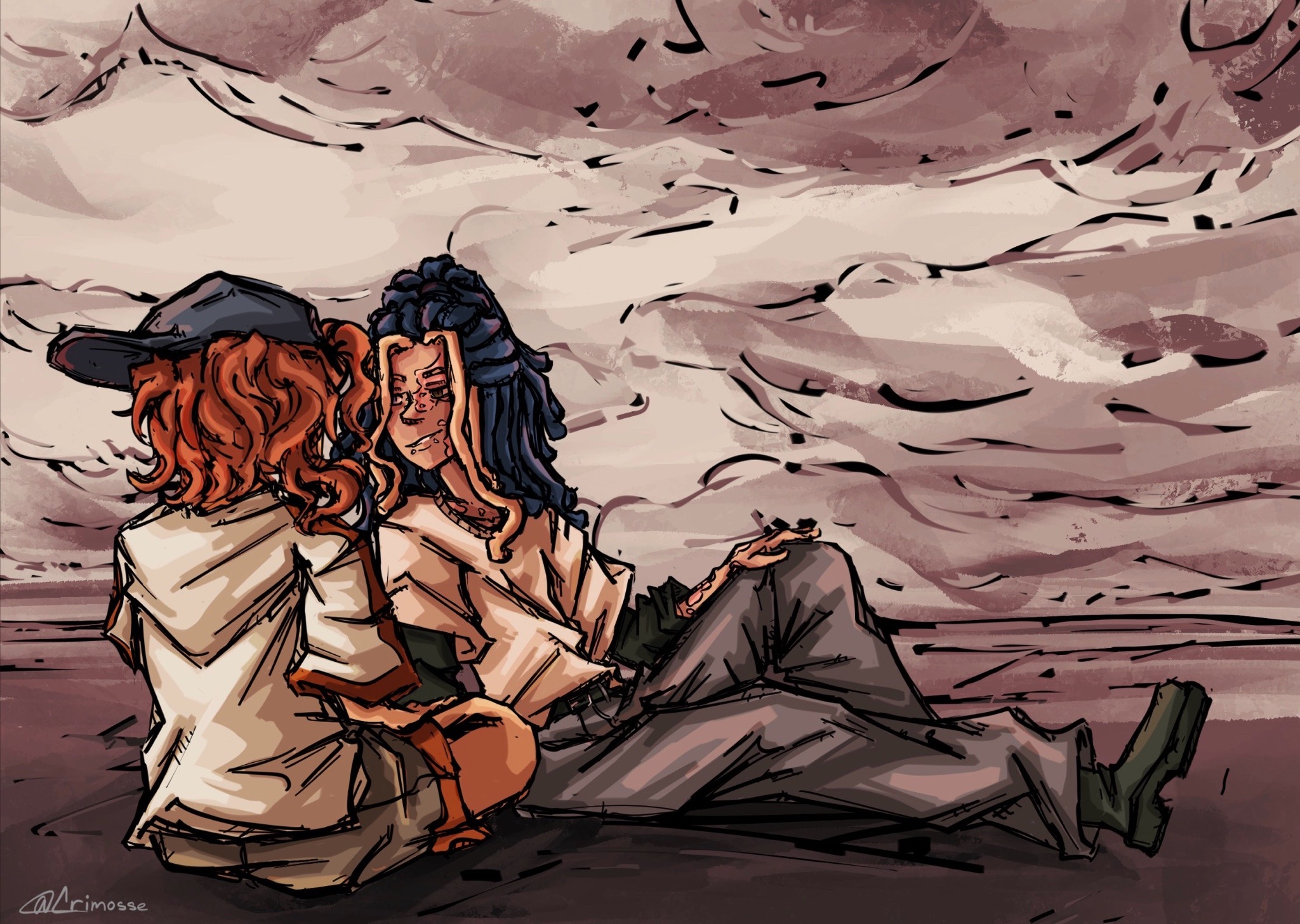
Queue time
A project can be approved before active drawing begins. Queue time is the gap between confirmation and the planned start. It should be shown separately from creation time.
Creation time
Rendering level, number of characters, background detail, design uncertainty, and output size all change the amount of active work. A full scene needs more decisions than a portrait even when both look simple at first glance.
Feedback time
A proof waits for a reply. Clear, consolidated notes keep the timeline moving; scattered changes or a new direction can expand the scope. The portal keeps those decisions attached to the project.
Fixed dates need review
A calculator can show a planning window, but it cannot promise a gift date or launch. Fixed deadlines should always be confirmed by the artist after the full brief is reviewed.
Plan with a range
Ranges are more honest than a single day. The Crimosse estimator shows the current queue and a creation range, then turns that into a personal schedule only after review.